Everything a karaoke night needs
A real venue rig, minus the setup.
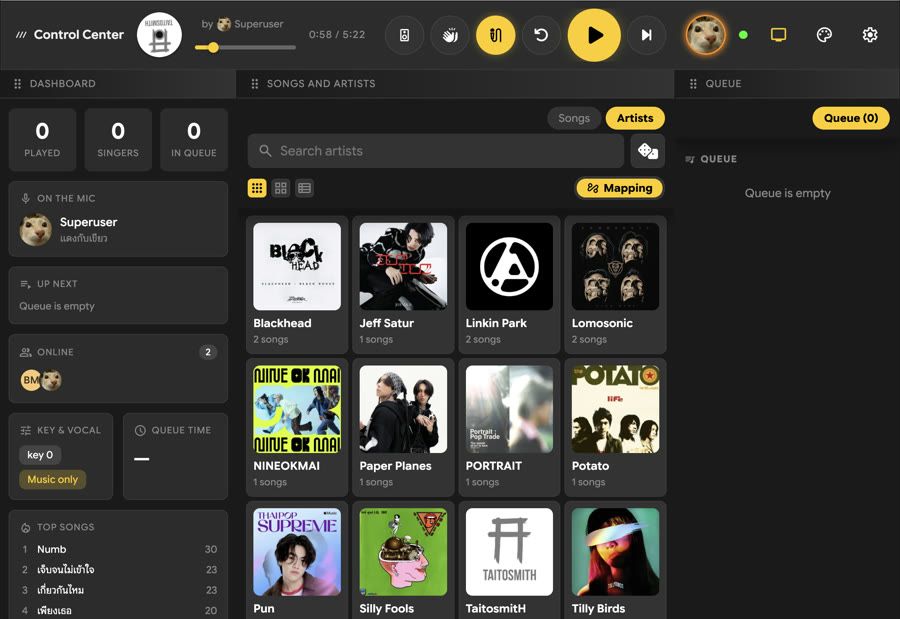
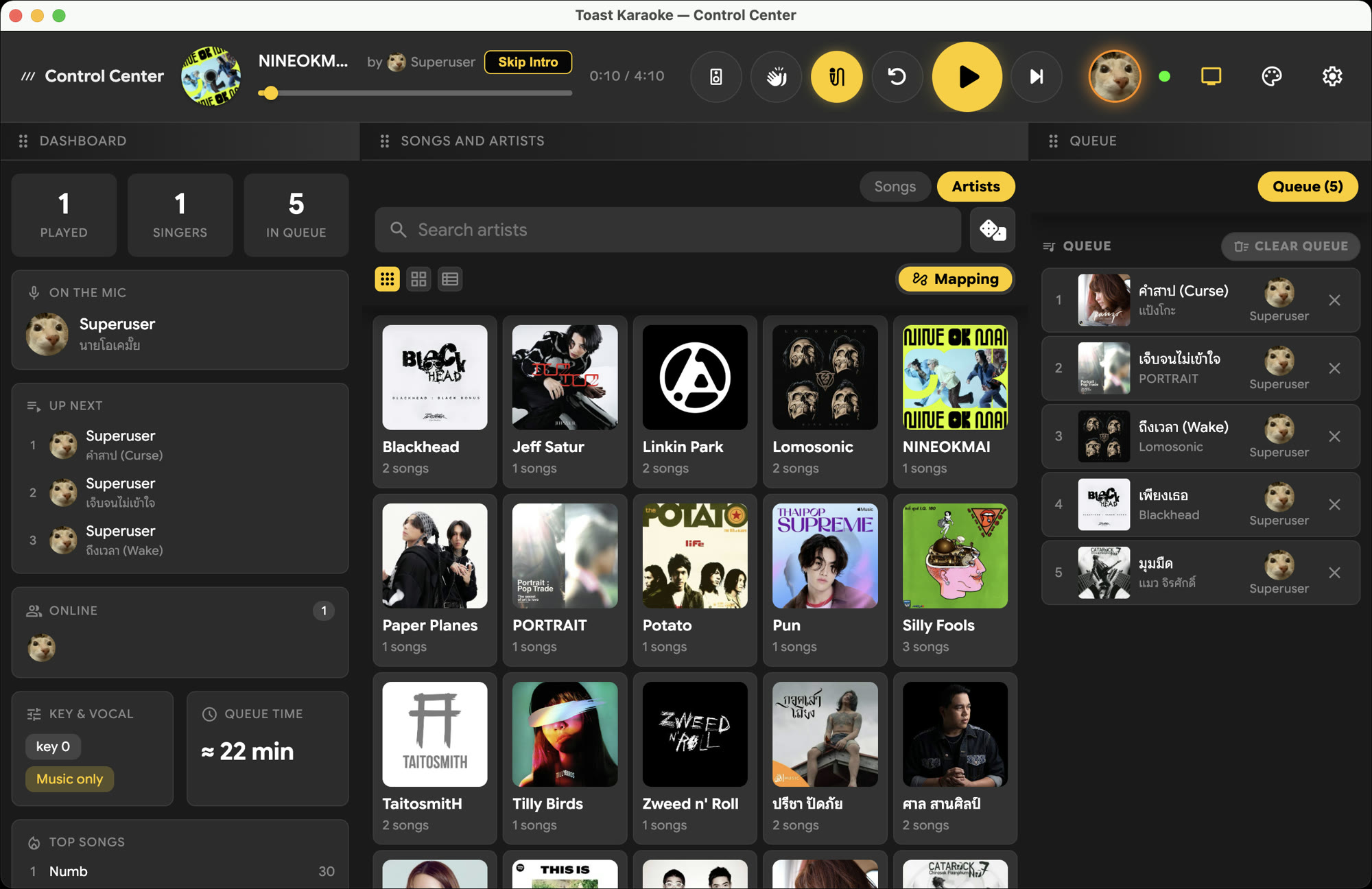
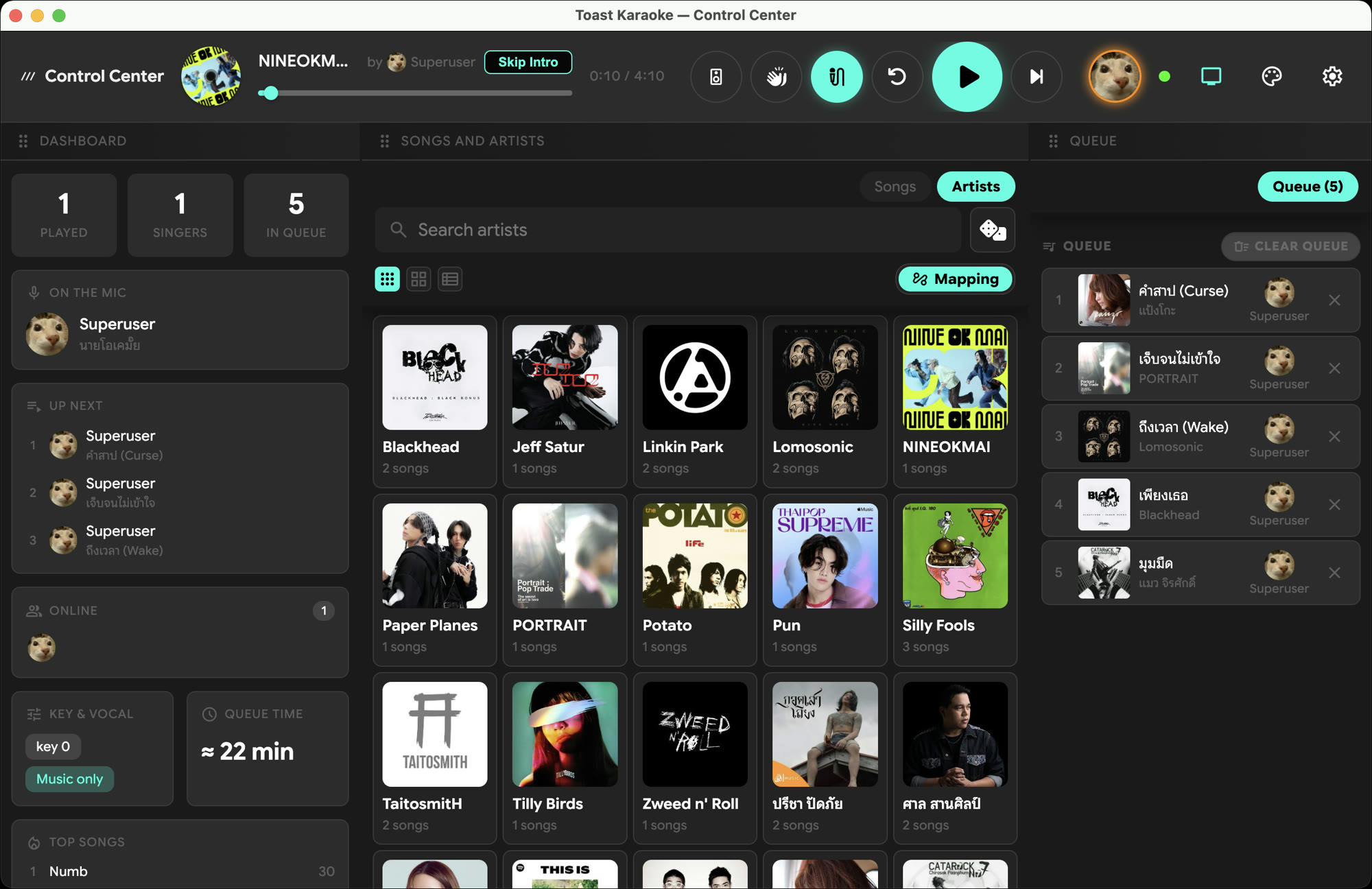
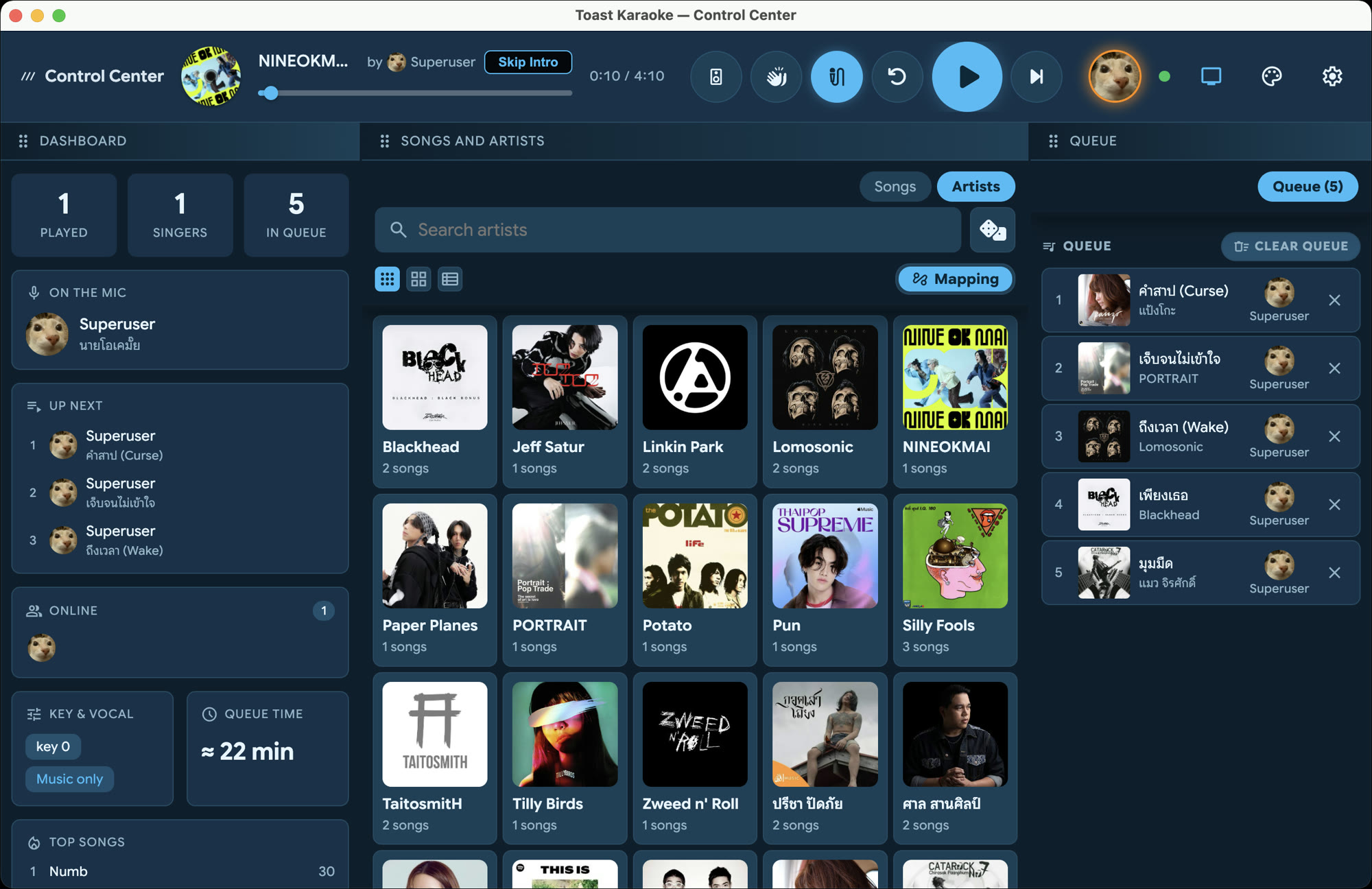
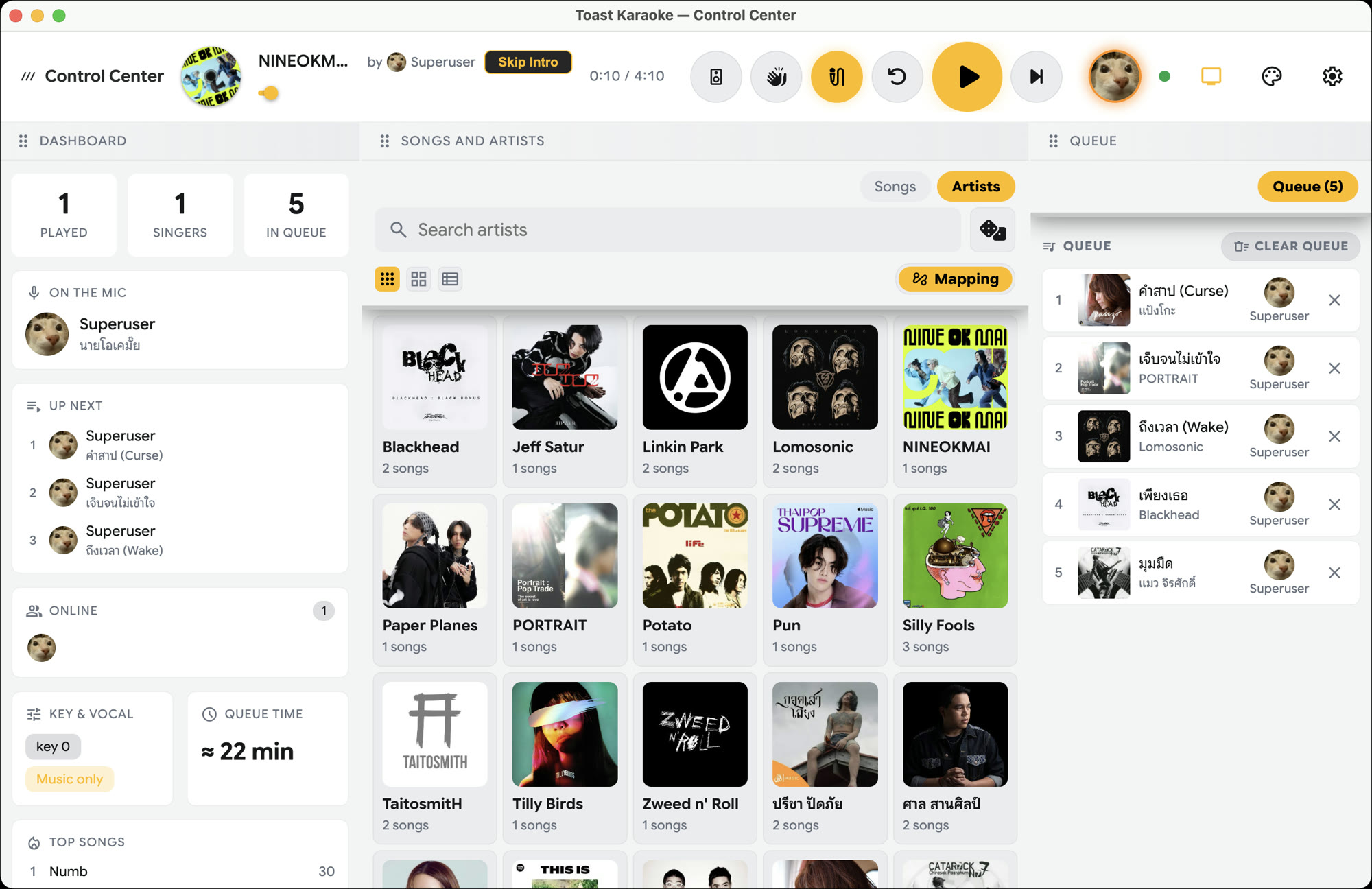
Toast is a proper video player built for karaoke — a full-screen stage on the TV and a control center on the side, working together the way a KTV box does.
video_file
Plays your own videos
Point it at a folder of karaoke clips and press play. Any on-screen lyrics are part of the video itself — no separate lyric files, no syncing, nothing to match.
voice_selection
Cut the guide vocal
Files with a separate vocal track? Toggle the lead vocal on or off in one tap — sing solo or keep the guide.
spatial_speaker
Left / right channel
For old-school tracks that split music and vocals across channels, switch between left, right and stereo instantly.
music_note_add
Change the key
Raise or lower the key to fit your range — live, mid-song, without stopping the video.
Multi-monitor
Fills your external screen automatically, or pick a display yourself. Press M to bounce the player to the next monitor.
mobile_cast
Phone remote
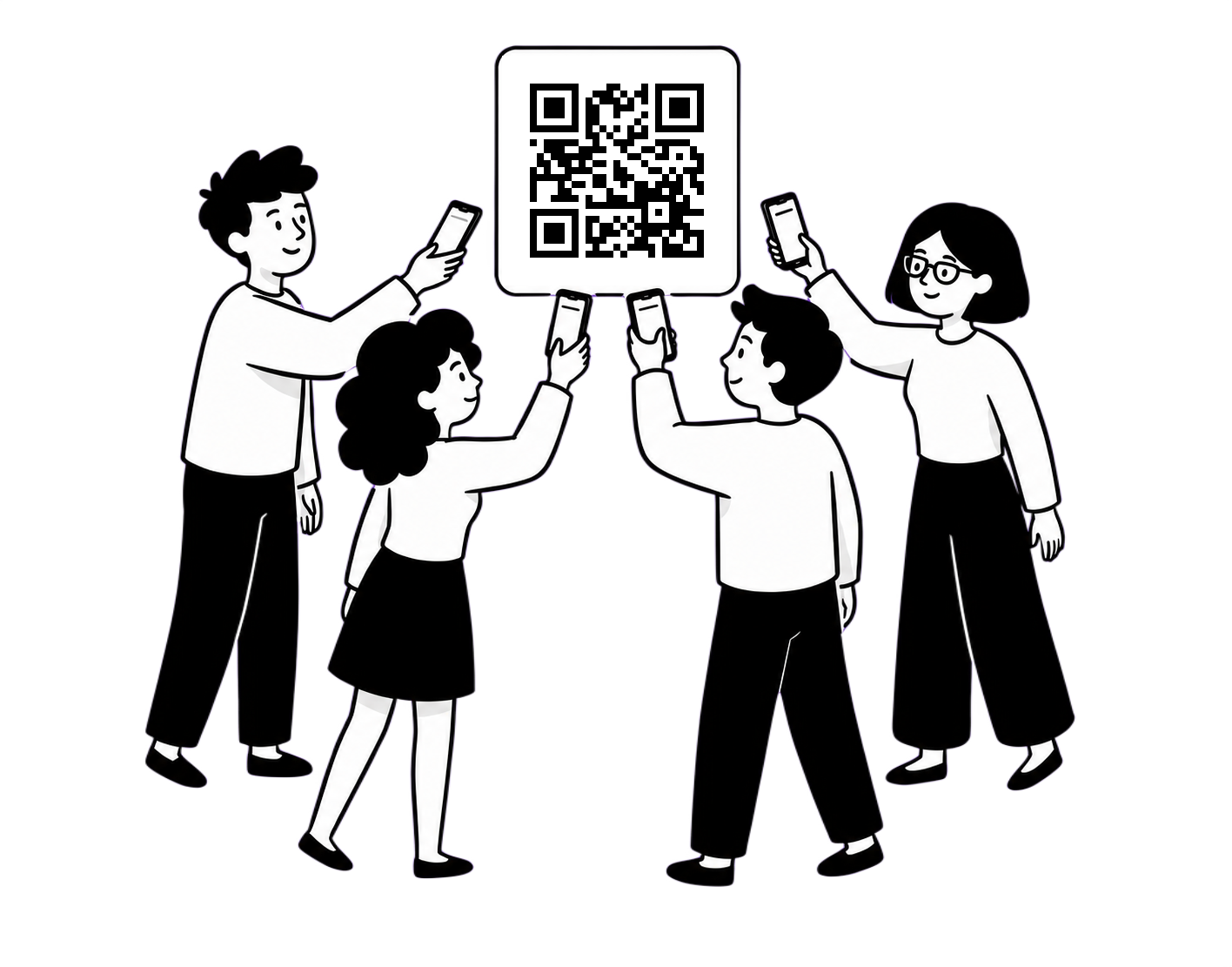
Everyone scans a QR code and adds songs to one shared queue from their own phone — no app to install.
library_music
Instant library
Scans your folder and detects artist and title. Add artist artwork, rename, and map artists — then search finds it as you type.
celebration
Sound FX board
Applause, air-horns, drum stings — fire them off mid-song, open to everyone in the room. ** SFX aren't bundled, though — bring your own and drop them in.
tv_gen
Classic TV mode
Scanlines, vignette, screen curvature, VCR noise — dial in a retro CRT look for the full old-school KTV vibe.